Automatic Suction Boost on Carpets
Modern robots automatically detect carpets and increase suction power. This feature is called Carpet Boost or Carpet Detection. It saves battery on hard floors while ensuring thorough carpet cleaning.
Detailed guide to technologies and features of modern robot vacuums. From navigation to mopping – understand what each feature means and how it can help you.
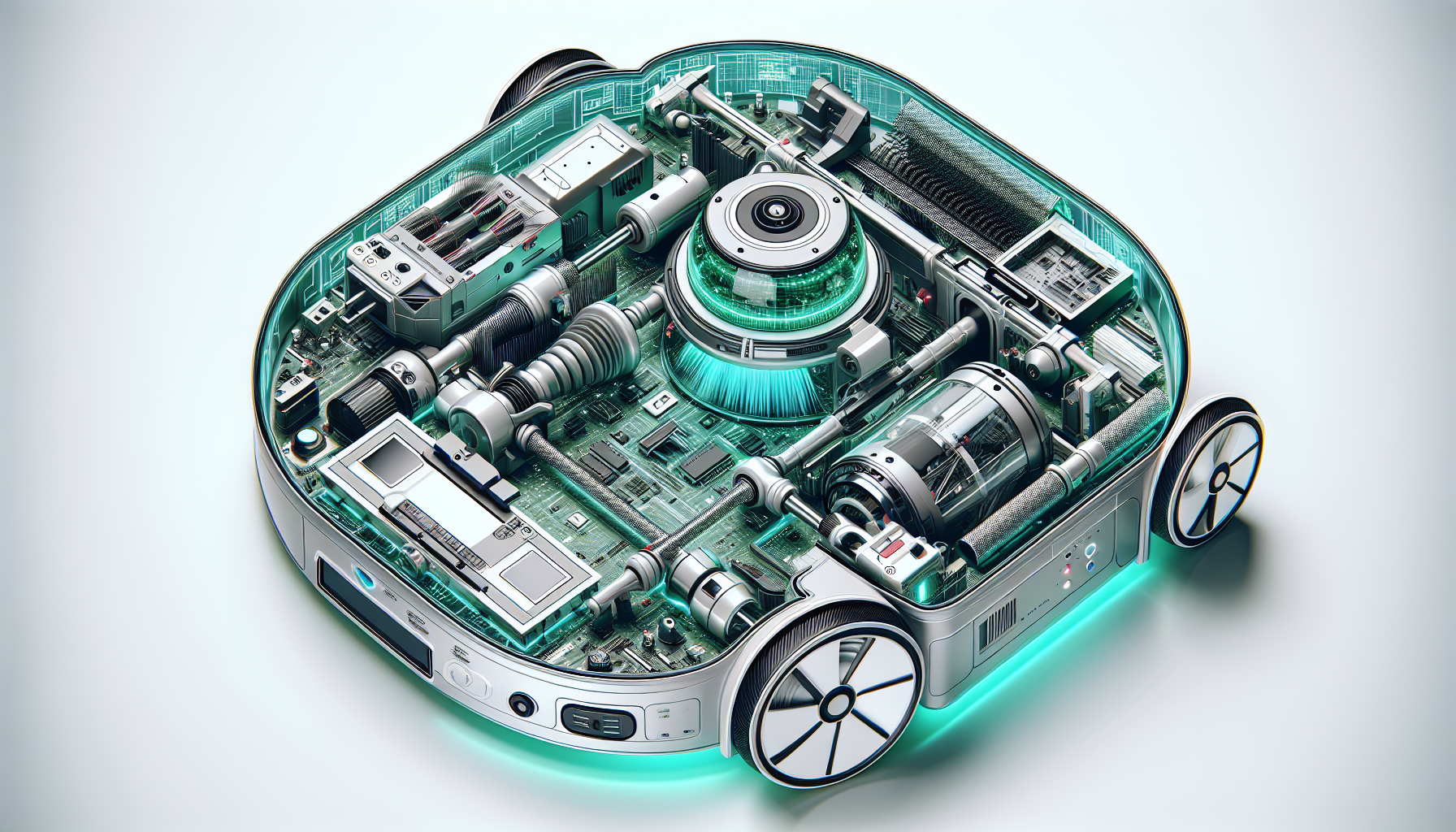
For apartments up to 650 sq ft, gyroscopic navigation is sufficient. For larger spaces, complex floor plans, or multi-story homes, choose LiDAR.
| Navigation Type | Accuracy | In Darkness | Price Range |
|---|---|---|---|
| LiDAR | Excellent | Yes | Mid to High |
| Camera (vSLAM) | Very Good | No | Mid-range |
| Gyroscope | Basic | Yes | Low |
| LiDAR + AI | Best | Yes | High |
Suction power is measured in Pascals (Pa). Higher numbers mean stronger suction, but also more noise and energy consumption. Most robots automatically adjust suction power based on surface type.
| Suction Power | Suitable For | Price Category |
|---|---|---|
| 1,000-3,000 Pa | Hard floors, light debris like dust and crumbs | Budget models |
| 3,000-5,000 Pa | Low-pile carpets, households without pets | Mid-range |
| 5,000-8,000 Pa | Pet households, carpets and deep cleaning | Premium models |
| 8,000+ Pa | Performance comparable to traditional vacuums | Flagship models |
Modern robots automatically detect carpets and increase suction power. This feature is called Carpet Boost or Carpet Detection. It saves battery on hard floors while ensuring thorough carpet cleaning.
Modern robot vacuums combine vacuuming with mopping. Mopping quality varies significantly depending on the technology used.
Choose the mopping type based on your needs and type of dirt.
| Mopping Type | Effectiveness | Dried Stains | Maintenance |
|---|---|---|---|
| Passive | Low | Cannot handle | Manual washing |
| Vibrating | Medium | Partially | Manual/auto wash |
| Rotating | High | Yes | Automatic washing |
Docks vary significantly in features offered. From basic charging to complete robot maintenance without user intervention.
Battery charging only. Manual dustbin emptying and mop maintenance required. Lowest price.
Automatic debris extraction into bag or container. 30-60 day capacity without user intervention.
Automatic washing of mop pads with hot water. Some models also dry mops.
Complete care: self-emptying, mop washing, drying, clean water refilling and detergent dispensing.
If you do not want to handle the robot much, invest in an All-in-One dock. The initial investment is higher, but the convenience of maintenance-free operation makes up for it.
Also consider operating costs – bags vs. bagless system. Bagless systems are more eco-friendly but require more frequent container cleaning.
Premium ModelsModern robots offer a range of intelligent features that improve user convenience and cleaning efficiency.
Robot remembers maps of different floors (usually 3-5 maps). Automatically recognizes its location.
Ultrasonic sensor detects carpet and robot automatically increases suction power or lifts the mop.
In the mobile app, you can mark areas where the robot should not go. Protect fragile items.
Integration with Google Assistant, Amazon Alexa, or Apple Siri. Start cleaning with voice commands.
Features that may be important for specific user needs.
Captures 99.97% of particles, important for allergy sufferers and pet households.
Less hair tangling, easier maintenance. Ideal for pet households.
Automatic cleaning at set times. Robot cleans even when you are not home.
Use our comparison tool to find a robot with the features you need.
Compare ModelsExplore more helpful guides and tips.
