Robot won't charge on dock
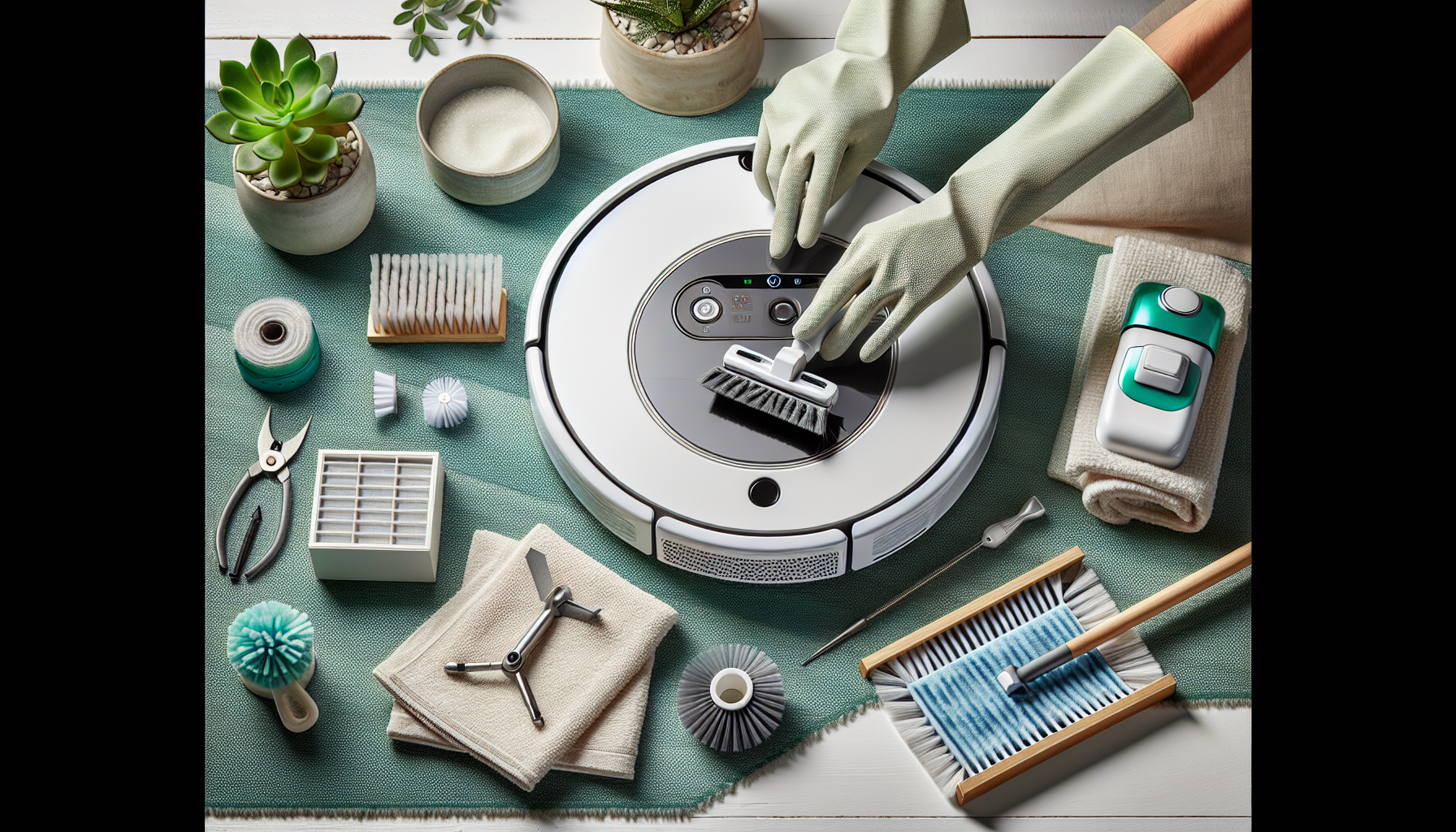
- Clean charging contacts on both robot and dock with a dry cloth
- Check if dock indicator light is on - if not, try a different adapter
- Make sure the dock is on a flat surface
- Restart robot by turning main power switch off and on
Robot can't find charging dock
- Place dock in open area - 1.5 ft on sides and 5 ft in front
- Remove obstacles blocking the dock's infrared signal
- Make sure dock isn't in direct sunlight or near mirrors
- Let robot create a new map of the space
Battery drains quickly
- Check battery age - may need replacement after 2-3 years
- Reduce suction power in app for longer runtime
- Clean brushes and filters - clogged components increase power consumption
- Let battery fully drain then fully charge (calibration cycle)